Keyword Colour Captions
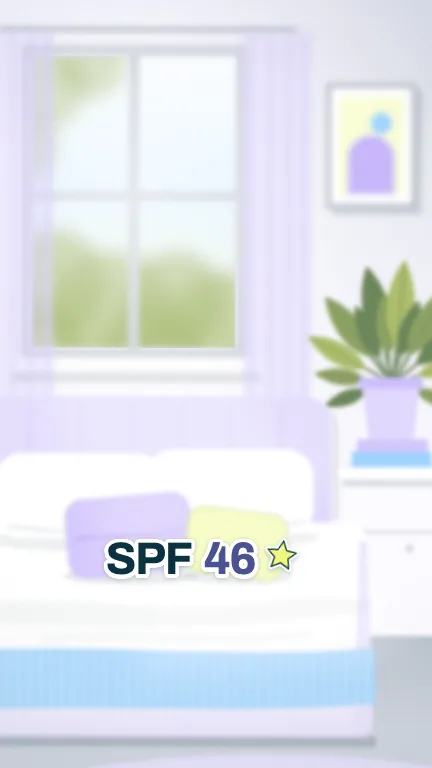
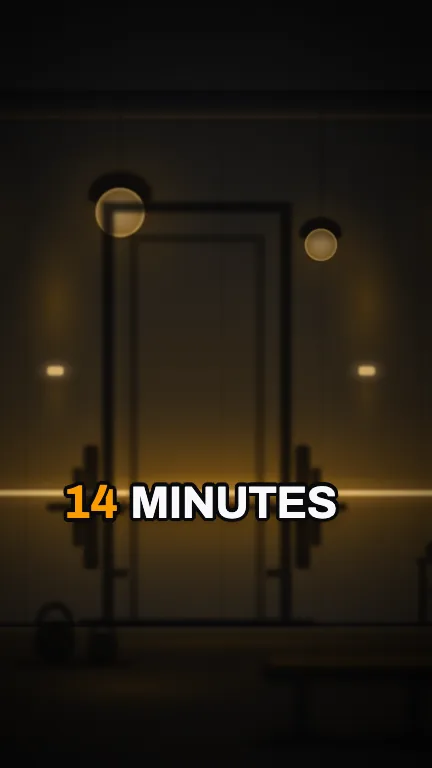
Social formatsWord-timed captions in white with a dark outline, where the words you list pop in the accent colour with a small bounce and a second list takes a second colour
This is the format it was composed for. Switch above to see it lay itself out for another: same animation, re-arranged for the frame.
What you can change · 14 settings
Everything below can be changed without touching the animation. Hand the list to an agent, or edit the values at the bottom of the component file.
- Srtsrt · string
Paste an SRT or WebVTT file's text. When it has cues it replaces `words`. Each cue's words share its time in proportion to their length. The clip is eight seconds long, so a longer transcript plays as far as the composition runs and stops there.
- Wordswords · array
Exact per-word timings in seconds, straight from any transcription tool (Whisper, Descript, CapCut, Premiere). Used when `srt` is empty. Each word appears on the frame it starts.
now: 21 items
- Max wordsmaxWords · number
Most words on screen at once. Three to five reads best on a phone. A screen also ends early at a full stop, a question mark, a new subtitle cue or a pause longer than 0.6 seconds.
now: 4
- Emphasisemphasis · array
Words that arrive in the accent colour with a bounce: prices, numbers, the one noun the sentence is about. Matching ignores case and surrounding punctuation, so "€19" also catches "€19,". A phrase marks each of its words. One or two per screen keeps them special.
now: 3 items
- Emphasis altemphasisAlt · array
Words that take the second colour (the brand's other accent) with the same bounce. Use it for the other side of a comparison: the price you regret, the before, the loser. A word in both lists takes the main accent.
now: 2 items
- Positionposition · "lower" | "center" | "upper"
Where the captions sit. On a 9:16 frame lower stays above the bottom 18% where TikTok, Reels and Shorts put their own caption and buttons, and every position keeps out of the right-hand 12% where the like and share column lives. Center is the classic mid-screen Shorts look; upper is for footage where the subject sits low.
now: lower
- Scalescale · number
Type size. 1 is about 9% of the frame width on a vertical video. Long words shrink every screen together if a line would not fit.
now: 1
- Strokestroke · number
Weight of the dark outline around every letter. 1 is a subtle contour, 2 is the heavy sticker look, 0 turns it off. It is what keeps white captions readable over bright footage.
now: 1
- Shadowshadow · number
Strength of the soft drop shadow under each word. 0 turns it off.
now: 1
- Scrimscrim · number
Darkness of the soft shaded band behind the captions. It stays put for the whole clip, so it reads as part of the picture. Keep 0.25 to 0.4 over bright footage, set 0 over dark footage.
now: 0.3
- Uppercaseuppercase · boolean
Set every word in capitals. Sentence case reads faster; capitals are louder.
now: false
- Stagestage · boolean
Draw the stand-in shot behind the captions, a bright kitchen counter with a pan and a cutting board, so the style can be judged over real footage. It is demo backing and not part of the captions: switch it off when you lay these over your own video.
now: true
- Groundground · boolean
Paint a plain brand colour behind the captions. Off by default: with the stand-in off as well, the captions render on a clean alpha channel and drop straight onto your own footage.
now: false
- Brandbrand · string
Brand palette. The two emphasis colours are its accent and second accent; the outline and scrim take its darkest colour. Plain words stay white on every brand.
now: linen
For developers · source, dependencies and provenance
Dependencies
No Tailwind, no CSS, no asset files. Inline styles only.
Source
Provenance
Prompt
Captions for my cooking shorts where the words I pick, like the price or the number, pop up in colour with a little bounce and everything else stays white with a thin dark outline. I want to paste the SRT from my transcription app or the word timings, choose which words get coloured, and have a second colour so the expensive thing and the cheap thing look different. Three or four words at a time, sitting above the TikTok buttons, and it has to stay readable over my kitchen, which is really bright.