Shape Wipe Set
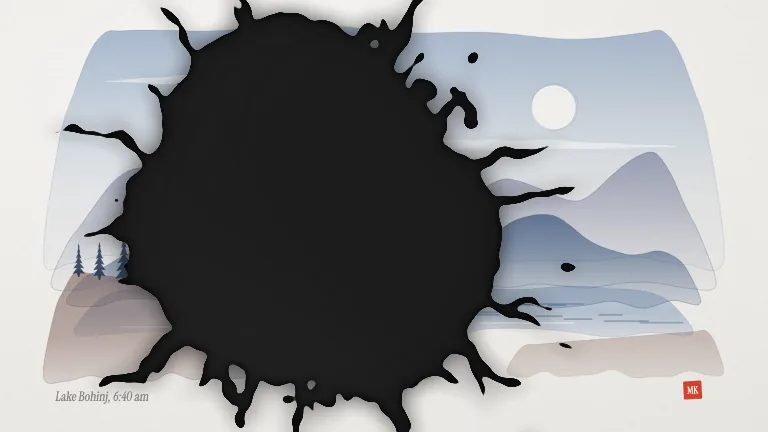
TransitionsFour graphic wipes in one file, bars, circles, diamonds or stripes in three stacked brand colours, covering the frame on the peak so a cut hides underneath
This is the format it was composed for. Switch above to see it lay itself out for another: same animation, re-arranged for the frame.
What you can change · 7 settings
Everything below can be changed without touching the animation. Hand the list to an agent, or edit the values at the bottom of the component file.
- Shapeshape · "bars" | "circles" | "diamonds" | "stripes"
The pattern. bars: diagonal bars shooting across in a staggered cascade, the fastest and loudest. circles: a grid of dots swelling out of one corner. diamonds: a diamond lattice flipping over like tiles. stripes: thin diagonal lines that fatten until they close, the calmest.
now: bars
- Directiondirection · "right" | "left" | "down" | "up"
Which way the wipe travels. right enters from the left edge; circles and diamonds lean into a corner as well, so right starts top left and left starts bottom right.
now: right
- Peakpeak · number
Where the frame is fully covered, as a fraction of the clip. Line this up with your cut: at 0.5 it is frame 30 of the 60, the middle of the clip.
now: 0.5
- Colorscolors · array
Up to three CSS colours, front first: the first is the one that fills the whole frame at the peak, the last is the outer band that leads the wipe in. Two colours give a two-band wipe. Leave empty for the brand's accent, second accent and ink.
now: 0 items
- Stagestage · boolean
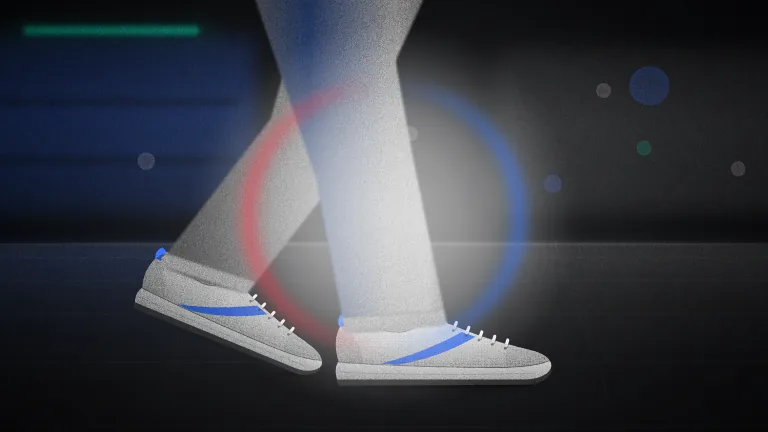
Draw the two stand-in scenes (a studio product shot, then a sale poster) under the wipe so the preview shows it hiding a cut. Switch it off when you lay the wipe over your own video.
now: true
- Groundground · boolean
Paint the plain brand background behind the wipe when the stand-in scenes are off. Leave it off for a transparent background, which is what you want over footage.
now: false
- Brandbrand · string
Brand token id, one of the keys of BRANDS. Sets the three wipe colours and regrades the stand-in scenes. Light brands keep the dark ink as a crisp outer edge.
now: sky
For developers · source, dependencies and provenance
Dependencies
No Tailwind, no CSS, no asset files. Inline styles only.
Source
Provenance
Prompt
A pack of shape transitions I can drop over any cut in my videos: diagonal bars flying across, a grid of circles growing from a corner, diamonds flipping in, and thin stripes that get thicker until they fill the screen. Use two or three of my brand colours stacked with a little offset so each one has depth. It has to cover the whole screen right in the middle so I can hide my cut there, then open up onto the next shot, and it needs a transparent background so it sits on top of my own footage.