Ink Wipe
TransitionsA drop of ink lands and blooms into a feathered, rim-darkened blot that covers the frame on your cut, then clears outward from the same spot to reveal the next shot
This is the format it was composed for. Switch above to see it lay itself out for another: same animation, re-arranged for the frame.
What you can change · 7 settings
Everything below can be changed without touching the animation. Hand the list to an agent, or edit the values at the bottom of the component file.
- Peakpeak · number
Where the ink covers the whole frame, as a fraction of the 2 second clip. Put your cut exactly here: 0.5 is frame 30 of 60, and the ink is solid from two frames before it to one frame after. Values near the ends squeeze either the bloom or the clearing.
now: 0.5
- Originorigin · object
Where the drop lands, and where the clearing opens after the cut. Put it on the thing you are leaving, or a little off-centre so the bloom reads as a gesture rather than an iris.
now: object
- Colorcolor · string
Ink colour. A brand token name (ink, accent, accentAlt, inkMuted) so it follows the brand, or any hex or rgb() colour. The pooled rim is derived from it. Dark inks hide a cut best; on a dark brand a light ink works the same way in reverse.
now: ink
- Spreadspread · number
How much the ink feathers: the number and reach of the fingers and splatter ahead of the bloom. 0 is a clean lobed blot, 1 a wet, fingered splash. 0.6 reads as ink dropped on damp paper.
now: 0.6
- Stagestage · boolean
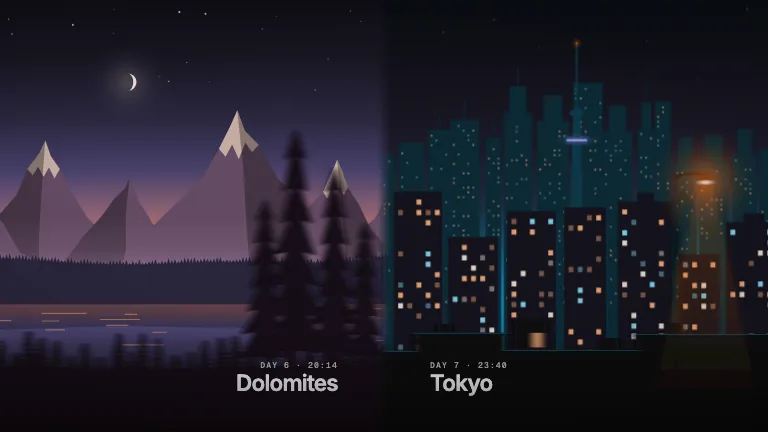
Draw the stand-in shots under the ink: a watercolour lake before the cut and a painter's notebook page after it, so the demo shows the wipe hiding a cut. Switch it off when you lay this over your own footage.
now: true
- Groundground · boolean
Paint the brand's paper colour behind the ink when the stand-in is off. Off by default: with stage and ground both off the ink renders on a transparent background, ready to drop over your own cut.
now: false
- Brandbrand · string
Brand token id, one of the keys of BRANDS. Press is the warm newsprint and true black this ink is mixed for; the ink and its rim follow whichever brand you pick.
now: press
For developers · source, dependencies and provenance
Dependencies
No Tailwind, no CSS, no asset files. Inline styles only.
Source
Provenance
Prompt
An ink wipe transition I can lay over my own cut. A drop of black ink lands a little off-centre and blooms out with feathered tendrils, some splatter and a darker edge where the ink pools, until it covers the whole frame exactly on my cut, then it clears from the same spot to reveal the next shot. Transparent background so it goes over my footage, and in the demo show it going from a watercolour landscape to a notebook page.