Light Leak Sweep
TransitionsA warm film light leak blooms across the frame from one edge, burns out to near-white on your cut and recedes on a red-orange tail
This is the format it was composed for. Switch above to see it lay itself out for another: same animation, re-arranged for the frame.
What you can change · 7 settings
Everything below can be changed without touching the animation. Hand the list to an agent, or edit the values at the bottom of the component file.
- Peakpeak · number
Where the leak burns hottest, as a fraction of the clip. Put your cut exactly here: 0.5 on the two-second clip is frame 30, and the frame is near-white for about three frames either side of it.
now: 0.5
- Directiondirection · "left" | "right" | "top" | "diagonal"
The edge the leak washes in from. It crosses the frame and leaves by the opposite side; diagonal enters at the top-left corner and leaves at the bottom-right.
now: left
- Intensityintensity · number
How hard it burns. 1 burns out to near-white at the peak and hides a hard cut completely; 0.6 is a warm wash the cut still shows through; above 1 holds the burn longer and floods the edges.
now: 1
- Colorscolors · array
Optional six-digit hex overrides, hottest first: core, glow, tail. Leave it empty to derive all three from the brand accent: a near-white core, the accent itself as the glow and a red-orange tail.
now: 0 items
- Stagestage · boolean
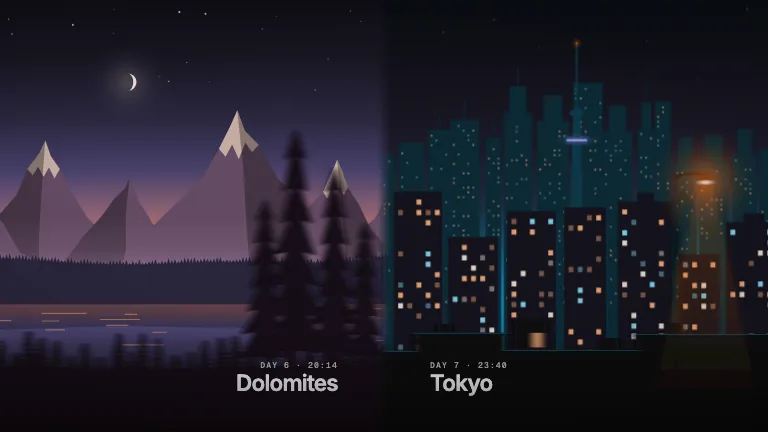
Draw the stand-in footage: a dusk beach walk that cuts to a café at the peak. Turn it off to get the leak on its own, to lay over your own cut.
now: true
- Groundground · boolean
Paint the brand ground behind the leak. Off by default, so with stage off the clip renders with an alpha channel and drops straight onto your footage.
now: false
- Brandbrand · string
Brand token id, one of the keys of BRANDS. The leak's colours are derived from its accent.
now: ember
For developers · source, dependencies and provenance
Dependencies
No Tailwind, no CSS, no asset files. Inline styles only.
Source
Provenance
Prompt
A light leak transition I can drop over my own cuts. A warm film leak that washes in from the left, amber and orange with a white-hot middle, burns the whole frame out right where I cut and then fades off with a reddish tail. It has to look like real light on film, soft and uneven with a bit of colour fringing, not a gradient wipe. Transparent so it sits over my footage, but show it over a sunset beach cutting to a café so I can see it hiding the cut.