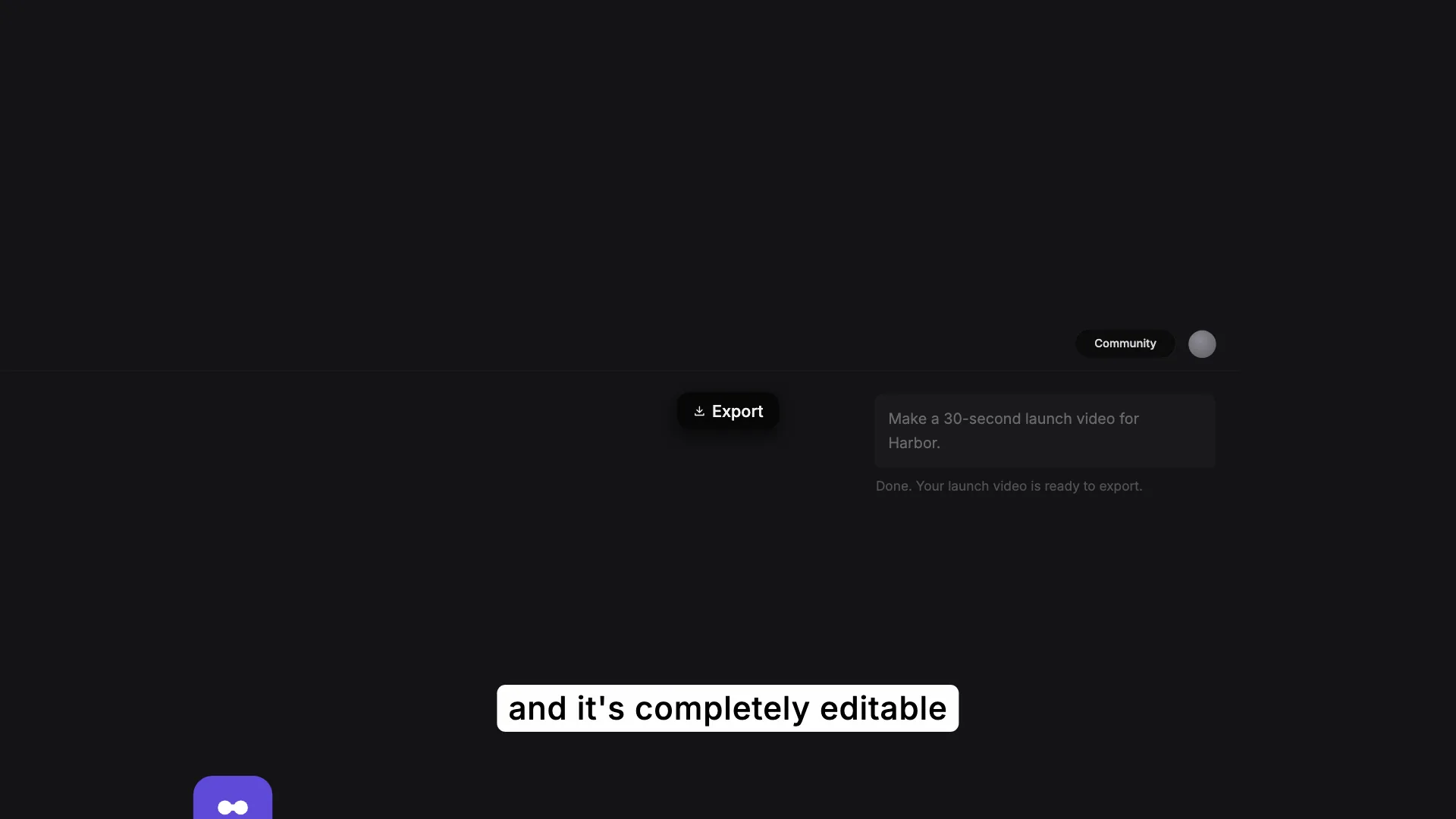
A prompt typed into a dark composer, its aspect, length and design system picked from menus and a long preset panel, then sent into a warp of streaks
This is the format it was composed for. Switch above to see it lay itself out for another: same animation, re-arranged for the frame.
What you can change · 3 settings
Everything below can be changed without touching the animation. Hand the list to an agent, or edit the values at the bottom of the component file.
- App *app · string
The product's name: it ends the typed prompt, heads the panel's note and names the first preset. Six letters keeps the clip's typing.
now: Harbor
- Captions *captions · array
Narration pills under the frame: first and last frame, and the words. Frames are the clip's own.
now: 6 items
- Brandbrand · string
Brand token id. Dark brands with a pale accent are what this layout is for.
now: dusk
For developers · source, dependencies and provenance
Dependencies
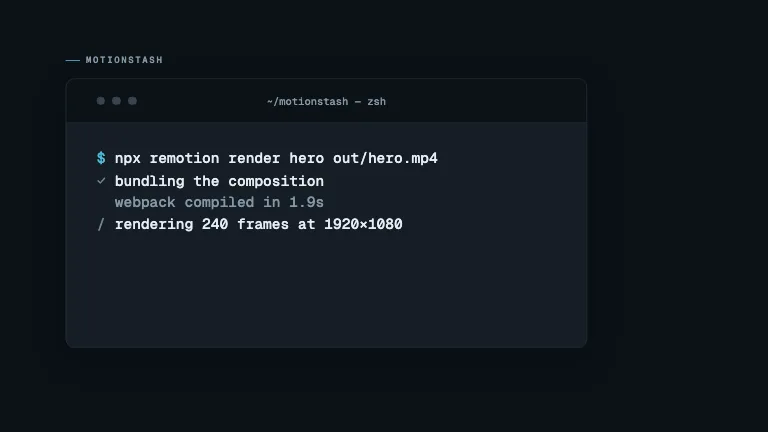
No Tailwind, no CSS, no asset files. Inline styles only.
Source
Provenance
Prompt
A dark AI composer on a near-black ground with a violet haze at the top. It fades up empty with a caption under it; cut close as a prompt types itself, the camera following the caret. Cut to the toolbar: a pointer picks 16:9 in an open Aspect menu, opens Duration and picks 30s to 1 min, then clicks DESIGN.md, and the camera pulls back as a Design Systems panel fades up and scrolls down its whole list of presets. Cut close on the top of the list as the pointer picks the first preset, then close on the send button as it is clicked, a ring spreading from the pointer, and drop into a warp of orange and cyan streaks along two dozen spokes until the top of the frame whites out. Short white caption pills narrate each step.