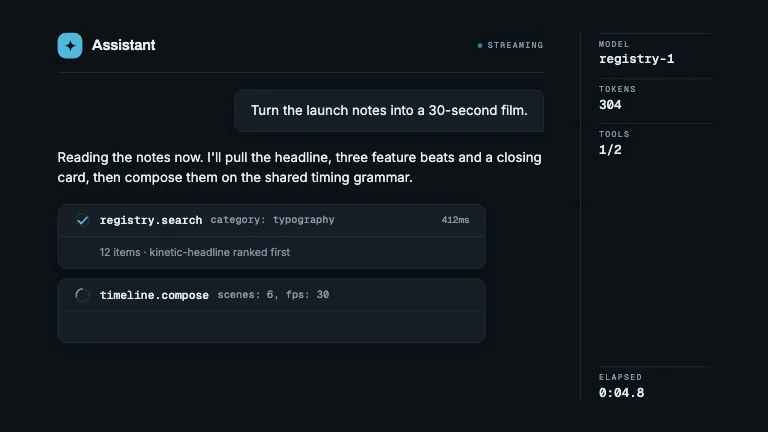
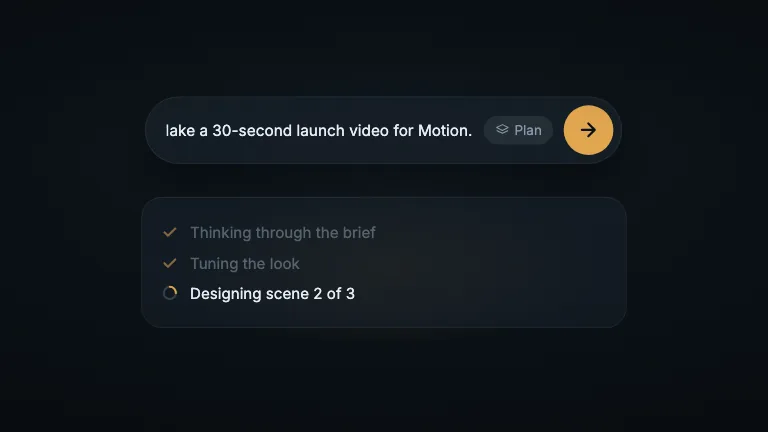
The agent answers a prompt and works through its steps, the draft is edited right on the canvas, and Export widens into a render counter that ends on Exported
This is the format it was composed for. Switch above to see it lay itself out for another: same animation, re-arranged for the frame.
What you can change · 6 settings
Everything below can be changed without touching the animation. Hand the list to an agent, or edit the values at the bottom of the component file.
- App *app · string
The product's name: it ends the prompt in the chat and in the editor's sidebar.
now: Harbor
- Steps *steps · array
The status card's step labels, shown in turn: the clip's are "Tuning the look" and two scene counts.
now: 3 items
- Version from *versionFrom · string
The canvas label before the edit.
now: V1
- Version to *versionTo · string
The canvas label after the edit.
now: V2
- Captions *captions · array
Narration pills under the frame: first and last frame, and the words.
now: 6 items
- Brandbrand · string
Brand token id. Dark brands with a pale accent are what this layout is for.
now: dusk
For developers · source, dependencies and provenance
Dependencies
No Tailwind, no CSS, no asset files. Inline styles only.
Source
Provenance
Prompt
The second half of an AI video tool's flow, on a near-black UI. The tail of a white-out, then a chat: the prompt in a bubble, the agent's one-line answer under it, and a status card working through its steps with a loader and a four-step progress bar while the view pushes in. Cut to the canvas: the draft's mark over a version label; a blue collaborator cursor flies in, selects the label, retypes it, then takes the mark by its handle and pulls it larger, overshooting and settling. Cut to the whole editor, which zooms onto the Export button; the pointer clicks it, the button widens into a render counter that climbs to 100 percent and settles as Exported. Short caption pills narrate it.