Agent Composer
Product & UIA prompt types into a composer, the submit button takes a real press, and the agent's work reports itself step by step
This is the format it was composed for. Switch above to see it lay itself out for another: same animation, re-arranged for the frame.
What you can change · 4 settings
Everything below can be changed without touching the animation. Hand the list to an agent, or edit the values at the bottom of the component file.
- Prompt *prompt · string
The prompt that types into the composer. Written as a person would actually type it.
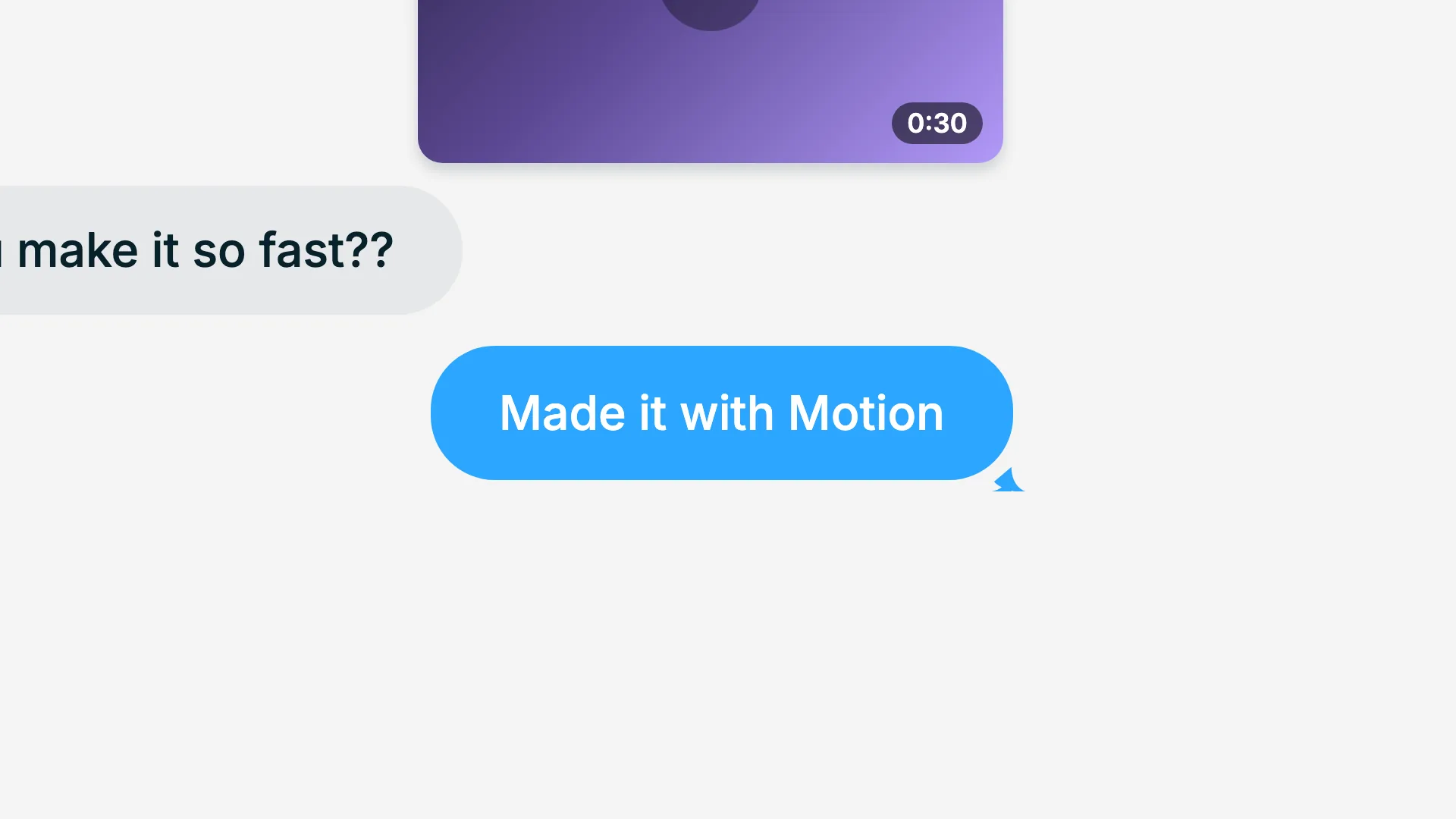
now: Make a 30-second launch video for Motion.
- Chipchip · string
Label on the mode chip beside the submit button.
now: Plan
- Steps *steps · array
Work the agent reports after submit, in order. Each completes before the next begins; the last one stays running.
now: 3 items
- Brandbrand · string
Brand token id, one of the keys of BRANDS. The submit button uses accentAlt, so brands with a warm second accent read closest to the reference.
now: slate
For developers · source, dependencies and provenance
Dependencies
No Tailwind, no CSS, no asset files. Inline styles only.
Source
Provenance
Prompt
A dark product frame showing someone prompting an agent. Type the prompt into a pill-shaped composer with a blinking caret at the real 530ms cadence, then press the circular accent submit button, an actual dip and rebound, not a colour change. After submit the composer settles back and a task card rises underneath, reporting each step in turn with a sweeping spinner that becomes a check as the next step starts.