






































A component library for video, not for pages
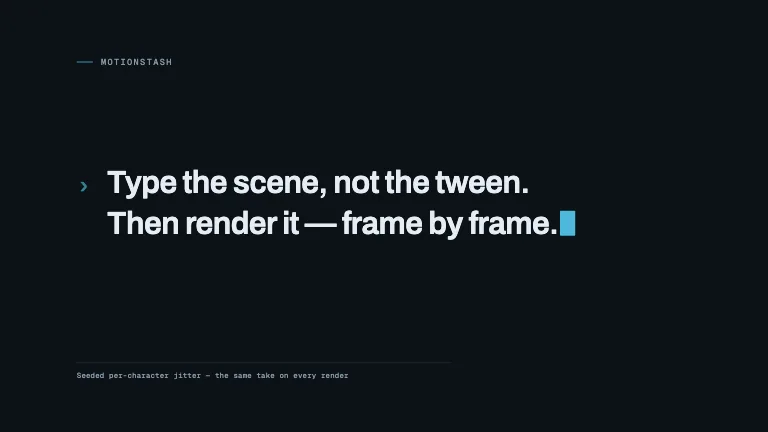
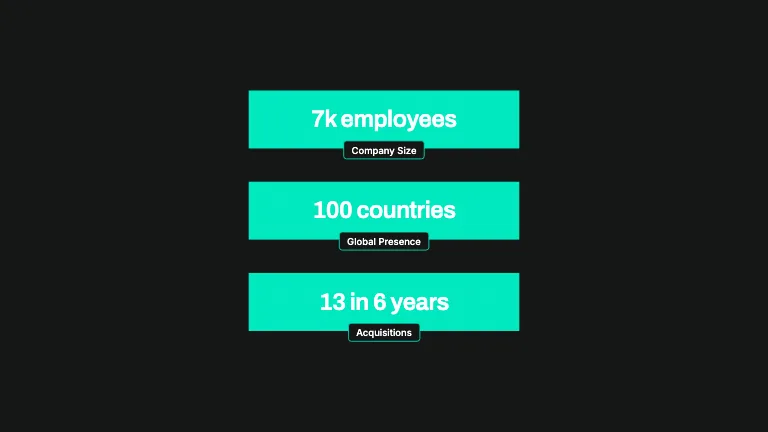
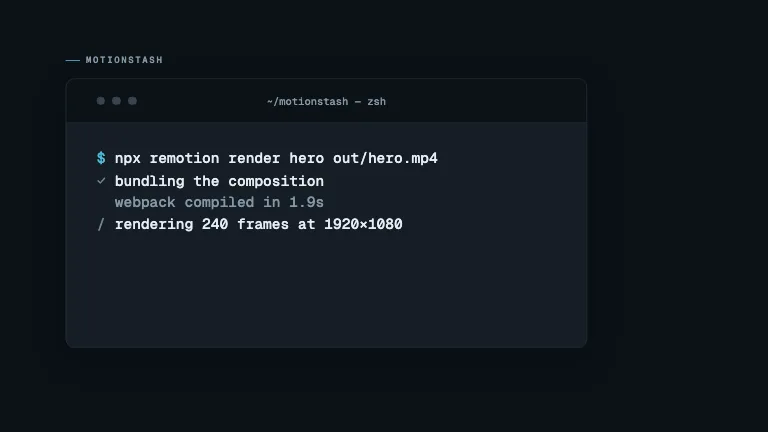
Motionstash holds 148 motion design components across 11 categories. Each one is a single TypeScript file: no CSS, no asset downloads, no build step of its own. Between them they document 1105 typed props, and every one of those props is described in a schema rather than in a comment.
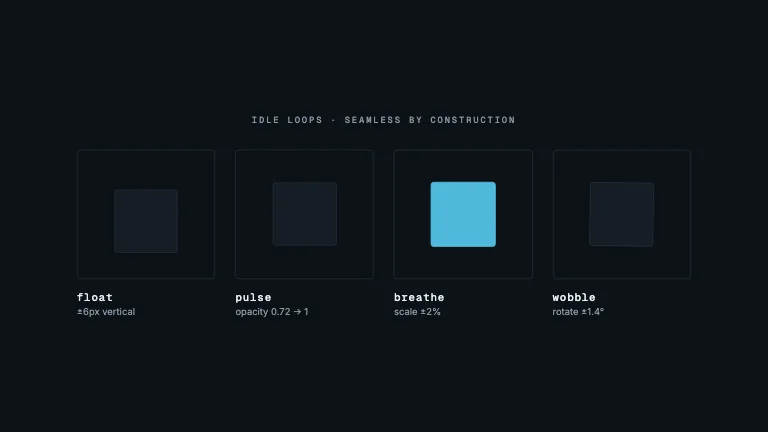
The reason to build this as code rather than as a set of templates is that video composes in time. Two hand-tuned animations placed back to back produce a visible hard cut, because nothing tells the first one how the second one enters. Every component here declares its duration as three numbers, being enter, hold and exit, and multiplies its own opacity and transform by the same shared stage function, so consecutive clips cross-dissolve by construction instead of by eyeballing keyframes.
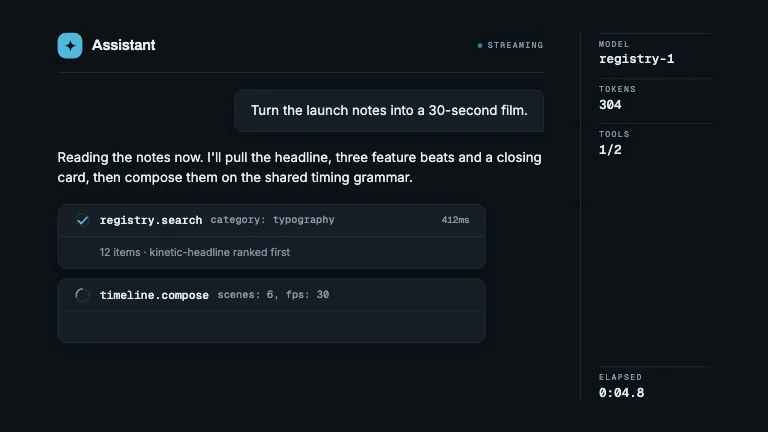
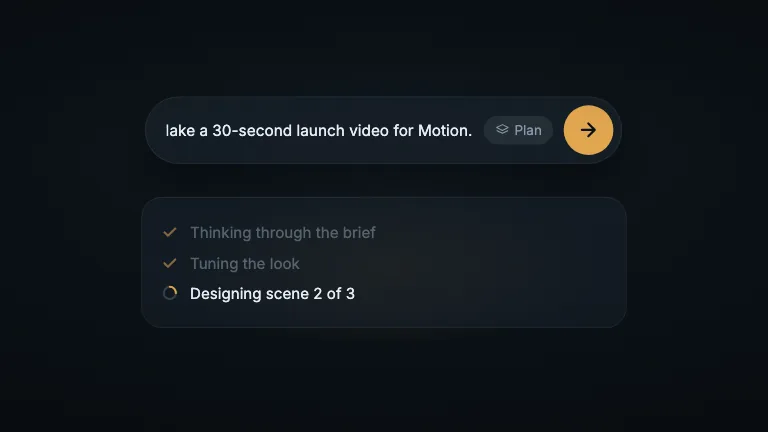
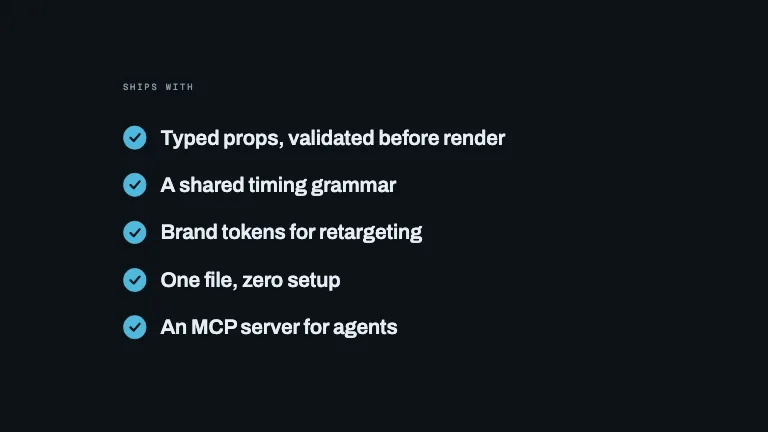
That shared grammar is what makes the library usable by a coding agent. An agent does not write animation code here; it picks a component and fills a typed parameter set, which either validates or fails loudly. The catalog is served as one registry.json file, and an agent reads it the same way, so the same shape reaches a human browsing thumbnails and a model assembling a shot list.
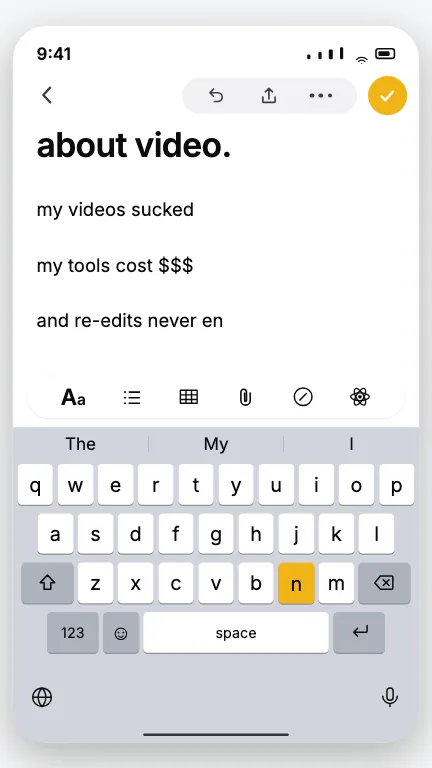
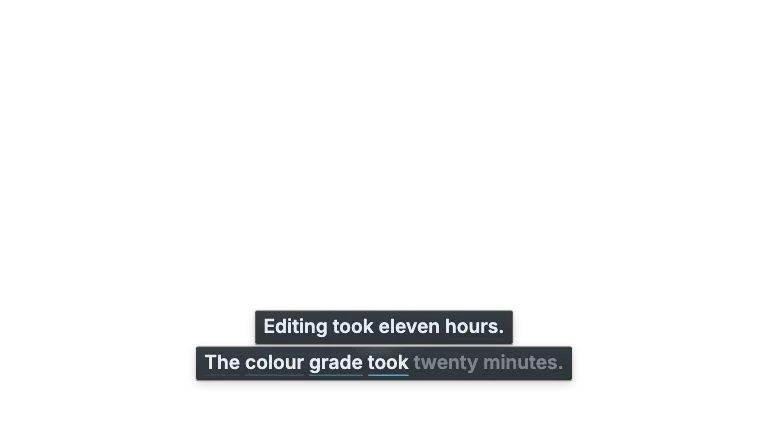
Not a developer? Motionstash is also building a service for creators: upload your talking-head video and get it back with subtitles and motion graphics, with no code and no editing app. Join the waitlist.
Frequently asked questions
- Is Motionstash free to use?
- Yes, the library is. Every component, its complete source code and the registry JSON are free under the MIT licence, with no account, no login wall, no rate limit and no paid tier. Sign-in exists only to save collections across devices; nothing on the site requires it, and no asset is hidden behind it.
- What is Motionstash?
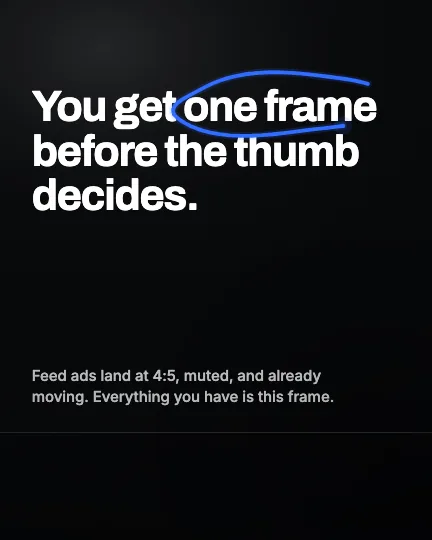
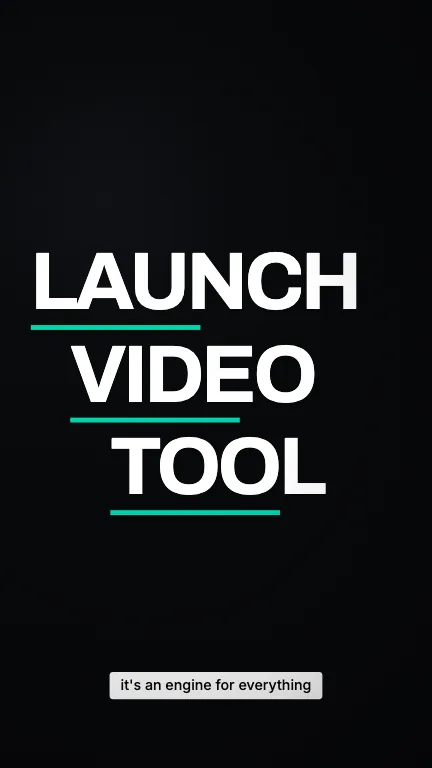
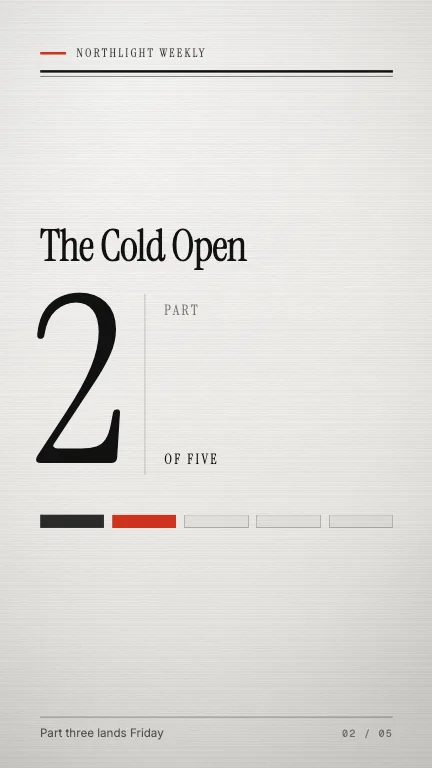
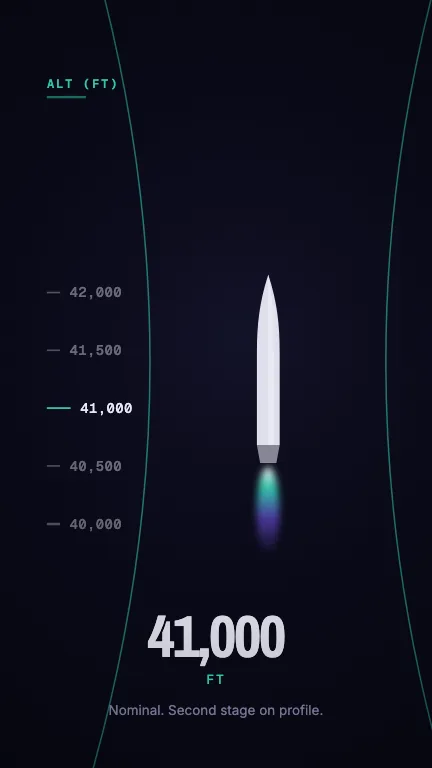
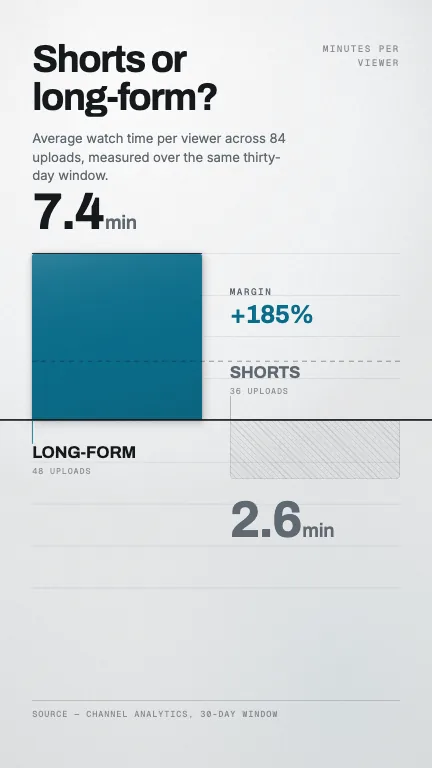
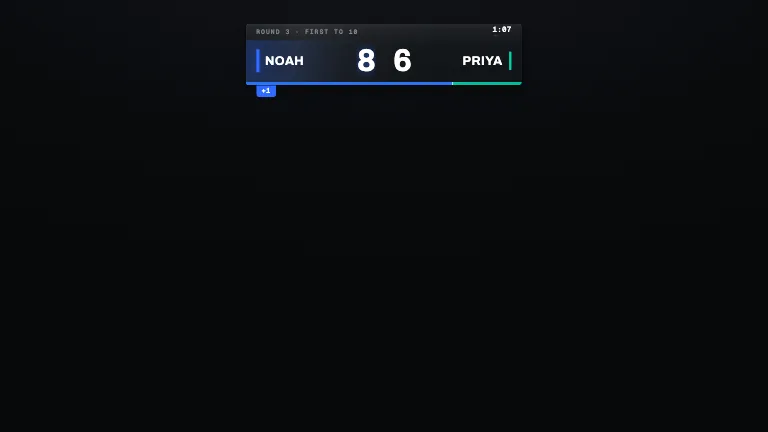
- Motionstash is an open library of 148 code-based motion design components. Each component is a single TypeScript file that declares a typed props schema, a frame budget and a set of brand tokens, so it can be dropped into a Remotion project and rendered to video without editing animation code. It covers landscape 16:9, vertical 9:16 for YouTube Shorts and Instagram Reels, and 4:5 for feed advertising, and the overlay components render on a transparent background so they can be laid over existing footage.
- Can I use Motionstash without writing code?
- Partly. Every component page has a Download preview button that saves the rendered clip, with no code. For your own footage, Motionstash is building a service that takes a talking-head video and returns it with subtitles and motion graphics, with no code and no editing app. It has not launched yet. Join the waitlist.
- How do coding agents use the registry?
- Through typed parameters rather than generated code. Each component exposes a Zod schema describing every prop, so an agent picks a component and fills its parameters, an operation that either validates or fails loudly. The registry.json file carries every component's schema, frame budget and source in one place, which means an agent never has to author easing curves or interpolation ranges.
- What is the timing grammar?
- A shared vocabulary that lets independently written components compose in time. Everything runs at a canonical 30fps and declares its duration as three numbers, being enter, hold and exit frames, drawn from four standard budgets: beat, statement, scene and feature. Because every component multiplies its own presence by the same stage function, two clips placed back to back overlap into a cross-dissolve instead of a hard cut.
- How do I install a component?
- Copy the component's source from its page. It is one TypeScript file, and it needs the four spine files it imports: types, contract, timing and tokens. There is nothing to install and no package to depend on: the file is plain TypeScript against Remotion, so once it is in your project it is yours to edit. Every component page has a copy button for the source.
- Do the components need external assets, fonts or CSS?
- No. Every component renders from inline styles and code-drawn geometry only, with no CSS files, no Tailwind and no image or font downloads. That constraint exists so a render is deterministic and reproducible on a cold machine, and it is enforced by a contract checker in CI rather than by convention.
- How is each component verified?
- Four automated gates: a TypeScript typecheck, a thirteen-rule contract check covering inline-styles-only and token discipline, a real render of every component, and a numeric audit of the rendered held frame measuring content coverage, tonal spread and edge occupancy. A component that renders an empty background fails the audit even though it typechecks and renders.
- Can I use the components in commercial work?
- Yes. The MIT licence permits commercial use, modification and redistribution, with attribution of the copyright notice. There is no separate commercial tier and no per-render fee, because the registry ships source rather than a hosted rendering service.