Keycap Shortcut
Product & UIPhysical keycaps on a machined deck going down in the order you press them, each cap compressing its own side wall and tightening the shadow underneath it
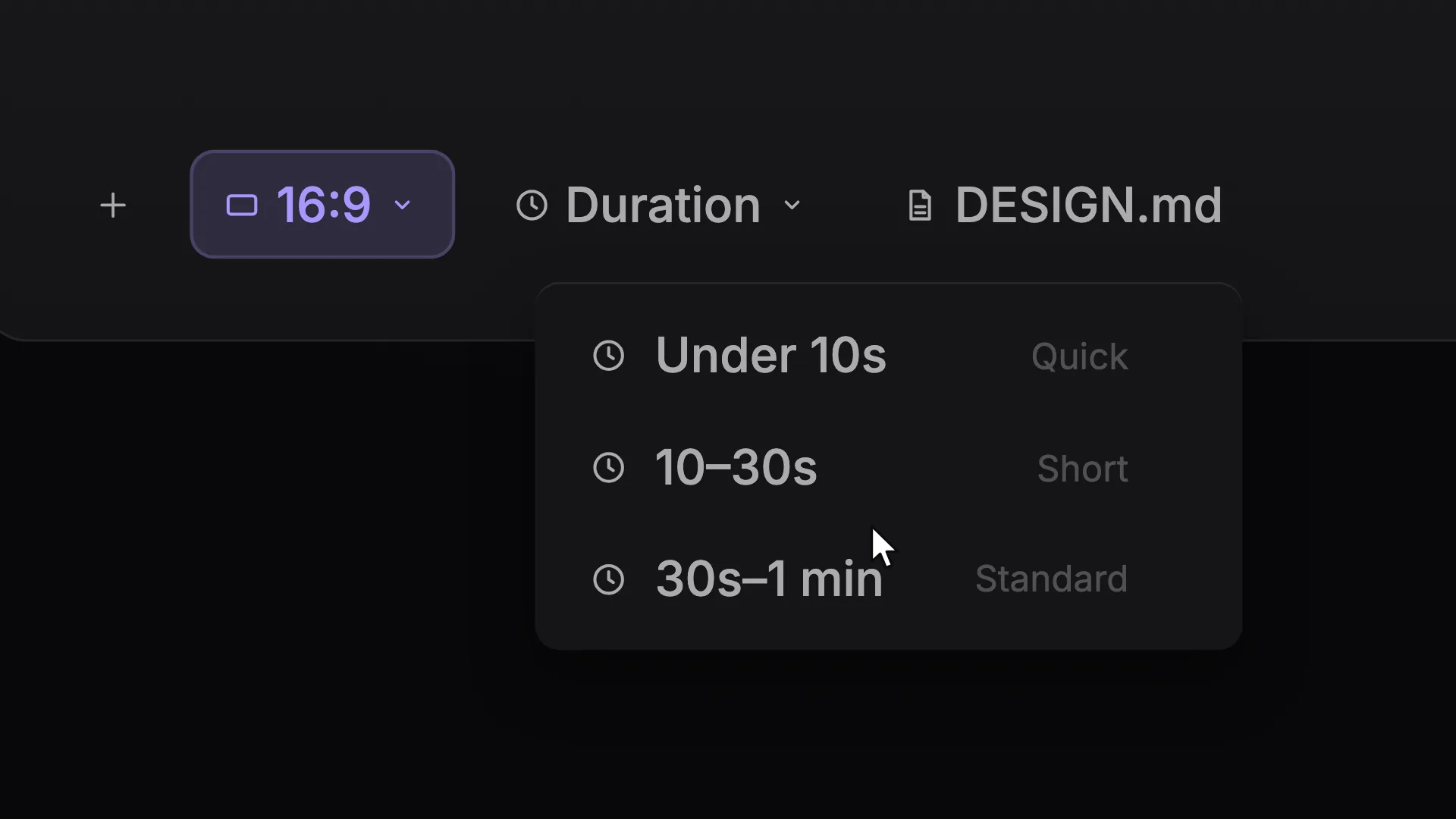
This is the format it was composed for. Switch above to see it lay itself out for another: same animation, re-arranged for the frame.
What you can change · 8 settings
Everything below can be changed without touching the animation. Hand the list to an agent, or edit the values at the bottom of the component file.
- Keyskeys · array
The chord, in the order you press it. `cmd`, `shift`, `ctrl`, `opt`, `enter`, `tab`, `space` and `delete` are drawn as their real symbols; anything else is set as type on the cap, so 'K', 'Esc' and 'F5' all work. The last key in the list is the one that gets struck.
now: 3 items
- Action *action · string
What the shortcut does, in the app's own words, the line a viewer reads while the keys go down. Name the command, not the concept: 'Add Edit' rather than 'Cut the clip'.
now: Add Edit
- Appapp · string
The application, set small under the action. Worth filling in: the same chord means different things in different editors. Empty drops the line.
now: Premiere Pro
- Anchoranchor · "bottom-center" | "bottom-left" | "bottom-right" | "top-center"
Where the module sits. Bottom-centre by default, under the action it caused, clear of the lower third on the left and the platform's subscribe watermark on the right.
now: bottom-center
- Insetinset · number
Distance from the frame edges as a fraction of the shorter side. The default sits above YouTube's control bar, so the module is not half-covered the moment somebody moves the mouse.
now: 0.085
- Scalescale · number
Size of the module. Push it up for a 9:16 cut or a busy screen recording, where a deck sized for 16:9 reads as a footnote.
now: 1
- Groundground · boolean
Paint the frame behind it. Off by default. This is an overlay, so it renders on an alpha channel and drops straight onto your own screen recording. On, it gets a lit brand ground to stand up on its own.
now: true
- Brandbrand · string
Brand token id, one of the keys of BRANDS.
now: slate
For developers · source, dependencies and provenance
Dependencies
No Tailwind, no CSS, no asset files. Inline styles only.
Source
Provenance
Prompt
I teach editing on YouTube and I keep having to say the shortcut out loud because nothing on screen shows it. I want the keys themselves, over my screen recording: real keycaps sitting on a bit of keyboard, the modifiers going down and staying down, then the last key struck, with proper travel, so the cap sinks, the side of it shortens and the shadow underneath goes tight instead of staying the same blur the whole way. Draw the command and shift symbols rather than typing them, put the name of the command next to the keys, and keep it at the bottom of the frame above the YouTube controls with no background at all so it drops onto my footage.