YouTube End Card
YouTubeAn end screen with two recommended slots and a channel ring, laid out clear of the player's own controls
This is the format it was composed for. Switch above to see it lay itself out for another: same animation, re-arranged for the frame.
What you can change · 10 settings
Everything below can be changed without touching the animation. Hand the list to an agent, or edit the values at the bottom of the component file.
- Headline *headline · string
The line across the top. Short and imperative reads best. It competes with two thumbnails for attention.
now: Keep going — two more on this
- Channel *channel · string
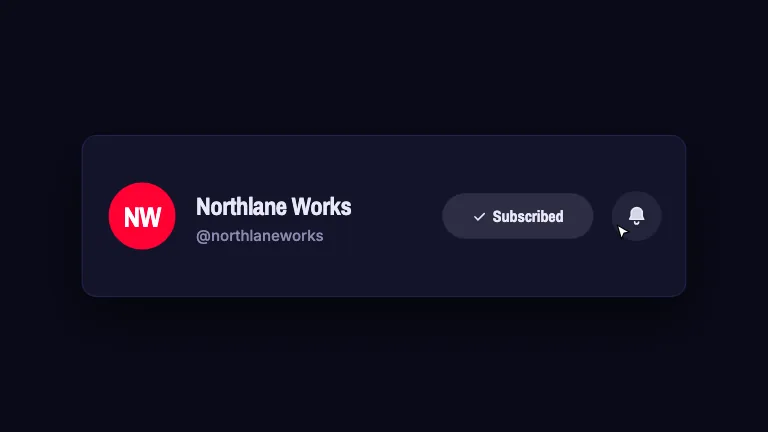
Channel name, set under the ring.
now: Northlane Works
- Handlehandle · string
The @handle under the channel name. Empty omits it.
now: @northlaneworks
- Initialsinitials · string
One or two characters for the drawn channel ring. Empty uses the channel's first letter.
now: NW
- Avatar coloravatarColor · string
Fill inside the channel ring.
now: #FF0033
- Subscribe labelsubscribeLabel · string
Button under the channel ring. Empty draws no button.
now: Subscribe
- Slot labelsslotLabels · array
Caption under each video slot. Two slots is what the platform actually offers at this size; one is a legitimate choice and gets a wider slot.
now: 2 items
- Slot titlesslotTitles · array
Optional title drawn inside each slot, so the end screen reads as designed rather than as empty boxes.
now: 2 items
- Safe bottomsafeBottom · number
Fraction of the frame height kept clear at the bottom for the platform's scrubber and controls. Lower it only if you know the player chrome is hidden.
now: 0.14
- Brandbrand · string
Brand preset. This is the last frame of the video, so it is usually the one that should look most like the channel.
now: slate
For developers · source, dependencies and provenance
Dependencies
No Tailwind, no CSS, no asset files. Inline styles only.
Source
Provenance
Prompt
A YouTube end screen: a headline across the top, two 16:9 recommended-video slots with captions, and a circular channel ring with name, handle and a red subscribe button. Everything sits inside a declared safe area whose bottom inset is the largest, because that is where the scrubber and controls sit. The headline lands first, then each slot in turn, then the ring springs in. In a vertical frame the slots stack above the ring instead of sitting beside it.